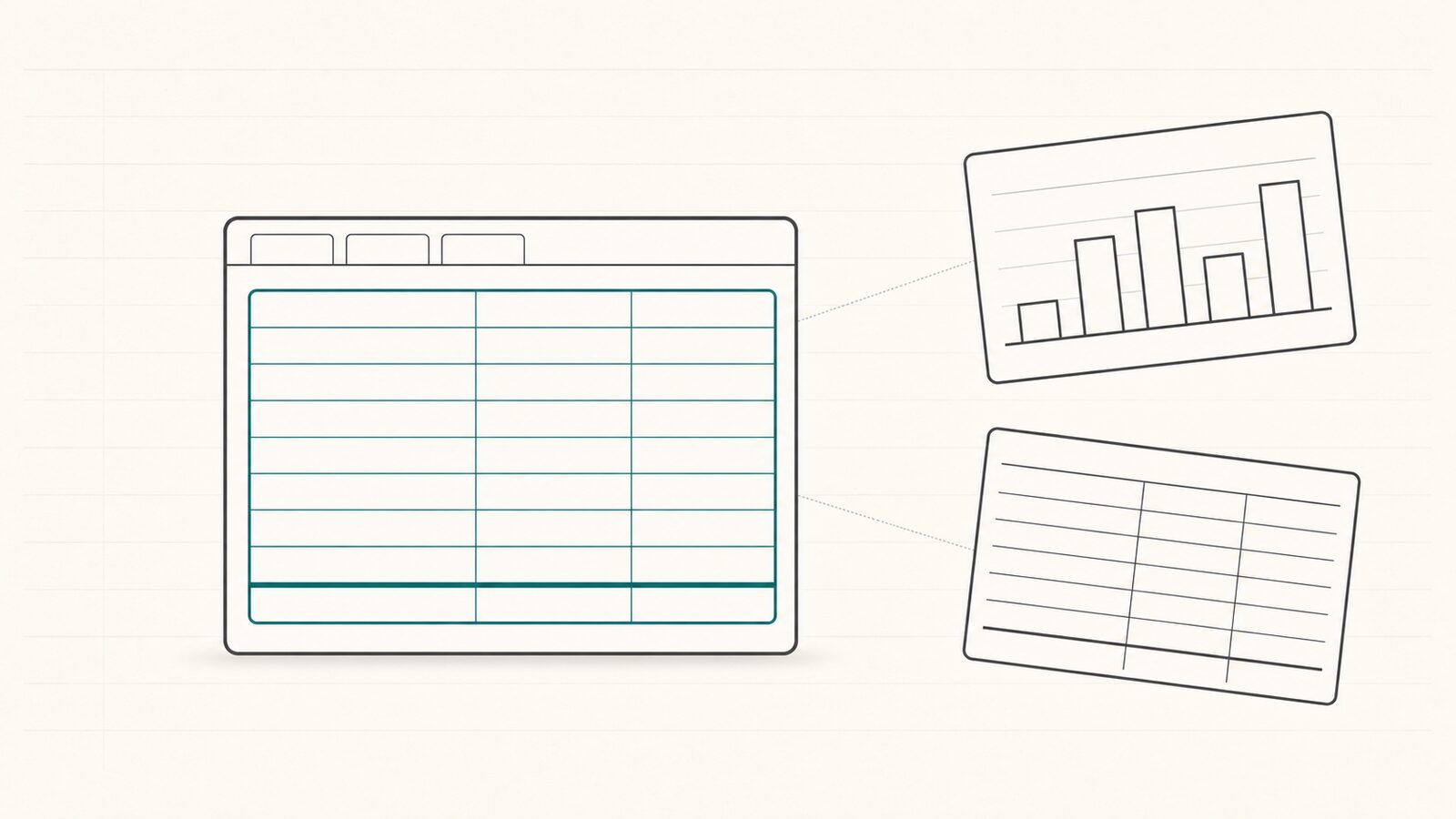
You run Procore. Every month the bonding agent and the bank want a WIP schedule, and every month you export the same project financials, paste them into a spreadsheet, chase your project managers for cost-to-complete, and rebuild the whole thing by hand. So you start looking for WIP software — and the results are a mess. Some of it is an ERP you would have to migrate your accounting onto. Some of it is a business-intelligence dashboard that pulls your data out of Procore so your team works somewhere else. Some of it is built for manufacturing.
The question nobody answers cleanly is the one you actually have: which WIP software works with Procore without making me leave it, wire up a data warehouse, or hire a consultant? This page sorts the category honestly: what each type of WIP software is, where it makes you work, and what it costs you in setup.
What category of "WIP software" is a Procore GC actually choosing between?
A Procore general contractor evaluating WIP software is really choosing between four things: a hand-built Excel spreadsheet (the status quo), an ERP module, an external BI overlay, and a Procore-embedded app. They are not interchangeable. The biggest difference between them is not features. It is where your finance and field teams have to do the work, and what you have to set up before any WIP comes out the other side.
The reason this category exists is a gap inside Procore. Procore holds the financial data a WIP schedule needs — contracts, costs, billings, change orders — but has no native feature that assembles an ASC 606 percentage-of-completion WIP schedule. Procore publishes WIP education in its library, and its own community answers the question "how do I create a WIP report in Procore?" with a manual workaround, not a feature. We cover that gap in full in can Procore generate a WIP report.
Because Procore does not produce the schedule, every WIP software option is a way of closing that gap from the outside. The honest map:
- Hand-built Excel — the real incumbent. Free, universal, and the source of the 2–3 day monthly grind.
- An ERP module — Sage Intacct, CMiC, Viewpoint Vista, Foundation, or Acumatica produce WIP, but only if you run that ERP as your accounting system of record.
- A BI overlay — a construction business-intelligence or corporate-performance platform (Anterra is one example of the category) that connects to Procore and your accounting system, then moves the analysis into its own external dashboards.
- A Procore-embedded app — a Full Screen Embedded Application that runs inside Procore's own interface and reads your project data directly. WIP Ready is in this category.
The rest of this comparison takes each apart on the things that decide whether a WIP tool fits a Procore stack.
Why Excel is still the real competitor
Before any SaaS comparison, name the truth: most Procore GCs are not choosing between vendors today — they are using a hand-built Excel WIP schedule, and have been for years. Any honest comparison has to include Excel, or it misleads you about what you are actually replacing.
The evidence is not subtle. As PivotXL puts it, "Procore excels at operational tracking... but it lacks depth on the financial side, particularly when it comes to WIP reporting. Most users export data from Procore and build custom WIP schedules in Excel." (PivotXL) Sage, which sells a competing ERP, concedes the same: "Many contractors currently manage this process in Excel. However, manually managing this process is time consuming and error prone, as Excel is only as good as the person handling the formulas." (Sage)
Excel's strengths are why it persists: it is free, every Controller already knows it, and it bends to any bonding agent's exact template. Its weakness is the monthly cost — the export, the reconciliation, and chasing each PM for a cost-to-complete number over email, with no deadline, no structure, and no record of who entered what. WIP software for Procore competes against that inertia, not against Excel's math. If Excel is your status quo, our free construction WIP schedule template is a faster starting point than a blank sheet.
The category comparison: four things that decide whether a WIP tool works for your Procore stack
Four dimensions separate the categories, and each maps to a real cost or friction point. Read these four, then read the table — every cell answers one of them for one category.
1. Does it live inside Procore, or open somewhere else? A Procore Full Screen Embedded Application runs inside Procore's own interface; a Data Connector syncs your data into a separate external dashboard where your team works outside Procore. (Procore Marketplace App Types) Excel opens Excel; an ERP module opens the ERP; a BI overlay opens its own platform. Only the embedded app keeps finance and PMs on the screen they already use.
2. Does it read Procore directly, or require ERP and warehouse wiring? This is where "no migration" gets misread. ERP modules require you to run that ERP as your system of record. BI overlays do not make you swap ERPs — but their value depends on also wiring up your accounting system. The overlay category is typically built around Sage 300 CRE or Viewpoint Vista heritage and connects both your PM system and your accounting system through a consultant-led data-warehouse build (overlay vendor documentation). WIP Ready reads Procore and needs no ERP integration or warehouse.
3. Is the output bonding-ready, or financial-control-only? General WIP software and BI overlays treat WIP as a month-end financial-control output. A bonding-ready WIP is a different artifact: it arrives in the surety's exact template and ties to bonding-capacity tracking — the single-job and aggregate limits the underwriter actually reads. (See what your surety underwriter actually reads in your WIP schedule.) An overlay that produces a clean financial-control WIP still leaves you reformatting it for the bonding agent.
4. How does it capture the PM's estimate to complete (ETC)? The ETC — the project manager's forecast of remaining cost — is the one number that does not already live in Procore, and how you capture it is the real differentiator. An ERP module assumes the PM has an ERP login. A BI overlay captures forecasts inside its own grid, which means a platform license. WIP Ready sends each PM a one-screen mobile form by email — no account required — and timestamps and attributes every input.
The comparison table
| WIP Ready | Hand-built Excel | ERP module (Sage, CMiC, Viewpoint, Foundation, Acumatica) | BI overlay | |
|---|---|---|---|---|
| Lives inside Procore (embedded iframe) | Yes — Full Screen Embedded Application | No — opens Excel | No — opens the ERP | No — opens a separate dashboard |
| Reads Procore data directly; no ERP wiring | Yes | Manual export only | No — the ERP is the source of record | No — connects to Procore and your ERP via a data warehouse |
| Bonding-ready ASC 606 output (surety template + capacity tracking) | Yes | Yes, by hand — Excel bends to any surety template, at the cost of the monthly rebuild | Partial — month-end close, not bonding-specialized | Not a primary feature — financial-control focus |
| No-login structured PM ETC capture | Yes — mobile form, no account required | No — chased over email/Slack | No — requires ERP access/license | No — requires platform login |
| Setup model | Self-serve Marketplace install | DIY (free) | Consultant-led ERP implementation | Consultant-led data-warehouse build |
| Requires migration off Procore | No | No | Yes — the ERP becomes the new system of record | No — but adds a parallel platform to log into |
A note on fairness: an ERP module's WIP is genuinely strong where it exists. Sage Intacct Construction's native WIP feature posts over/under-billing entries straight to the general ledger, which no reporting layer can do (Sage). And a BI overlay is a legitimate purchase if you need portfolio analytics across many data sources. The table is not a scorecard that says one wins. It tells you what each category costs you to get the WIP out.
What does "Procore-native" actually mean? (And why it matters for your WIP)
Procore-native means the software runs inside Procore's own interface — your team stays on the same screen, with no additional login, no tab-switching, and no separate URL. WIP Ready is classified as a Full Screen Embedded Application in the Procore Marketplace; it renders inside Procore's UI. Many WIP tools that "integrate with Procore" are classified instead as Data Connectors, meaning the data syncs out and the work happens in their own external platform.
That classification decides where the friction lands. The objective WIP inputs — contract value, costs to date, billings — already sit in Procore. Pull them into an external dashboard and you have created a reconciliation step: now there are two places the numbers live, and finance has to trust the sync. An embedded app reads the data in place and shows you when it last synced, so the WIP is built on current Procore figures, not a stale export.
It matters even more for the field. The ETC problem is a friction problem: project managers will not log into a finance platform to enter a forecast, so finance ends up chasing the number over email anyway. The point of capturing ETC the right way is to reduce friction for field staff, not add a login. A read-only, embedded app that asks the PM for one number on their phone — and never writes anything back to Procore — is additive to the platform, not a parallel system to maintain.
Is WIP Ready right for your Procore stack?
WIP Ready is the right fit if you run Procore as your primary PM system, need a bonding-ready monthly WIP, and want to stay inside Procore rather than maintain a separate analytics platform. It is built to reduce the monthly WIP close from 2–3 full business days to about 45 minutes of active work — that is the design target the product is measured against, not an audited customer average — by automating the Procore data pull and the structured PM ETC capture that eat most of that time. It reads Procore, never writes back, and produces the ASC 606 percentage-of-completion schedule — earned revenue, over/under billing, profit-fade flags — in your bonding agent's own template.
It is honestly not the right purchase for everyone. If you need a broad corporate-performance platform that unifies many data sources for portfolio-level analytics, an ERP-connected BI overlay is a legitimate choice. If you want job costing and the general ledger in one system of record — with WIP posting straight to the GL — a construction ERP is the right purchase, and you should expect the migration that comes with it. WIP Ready is narrower on purpose: it is the bonding-ready WIP for a Procore GC who does not want a second platform.
Frequently asked questions
What is WIP software used for in construction? WIP software produces the work-in-progress schedule a general contractor's surety, bank, and CPA read each month — the percentage-of-completion statement showing earned revenue, over/under billing, and forecast cost on every active job. Most US contractors still build that schedule by hand in Excel (PivotXL); WIP software automates the math, the data pull, and the project-manager cost-to-complete capture behind it.
Does Procore have a WIP report feature? No. Procore holds the financial data a WIP schedule needs — contracts, costs, billings, change orders — but has no native feature that assembles an ASC 606 percentage-of-completion WIP schedule. Procore's own community answers "how do I create a WIP report in Procore?" with a manual workaround, not a feature.
What is the difference between an ERP module and a WIP software tool? An ERP module produces WIP only if you run that ERP — Sage, CMiC, Viewpoint, Foundation, or Acumatica — as your accounting system of record, which means a full finance re-platforming to get the WIP. A WIP software tool sits on top of your existing stack and produces the schedule without swapping accounting systems. WIP Ready reads Procore directly and needs no ERP wiring at all.
Can I use WIP software without switching away from Procore? Yes. WIP Ready is a Procore Full Screen Embedded Application — it renders inside Procore's own interface, so finance and project managers stay on the same screen with no second login and no separate URL. BI overlays connect to Procore as Data Connectors, which means your team works in the overlay's external dashboard, not in Procore.
What does a bonding-ready WIP schedule require that general WIP software does not provide? A bonding-ready WIP arrives in the surety's exact template, carries all the ASC 606 columns the underwriter reads, and ties to bonding-capacity tracking — single-job and aggregate limits. General WIP software and BI overlays treat WIP as a month-end financial-control output, not the surety's reading list, so the format and the capacity context are usually missing.
How long does it take to produce a WIP schedule with WIP Ready vs Excel? A hand-built Excel WIP typically takes 2–3 full business days every monthly close — exporting from Procore, reconciling, and chasing PMs for cost-to-complete. WIP Ready is built to cut that to about 45 minutes of active work, because the Procore data pull and the structured PM estimate-to-complete capture are automated.
How WIP Ready helps
If you run Procore, you already have most of a WIP schedule — you are just rebuilding it by hand every month because Procore does not assemble it and the PM's estimate to complete has no structured home. WIP Ready closes that gap from inside Procore: it reads your project financials read-only, collects each PM's ETC on their phone with no login, and hands you a bonding-ready ASC 606 schedule in your surety's template — no ERP migration, no data warehouse, no second platform to log into. If that is the WIP problem you actually have, see how it works at wipready.com.