It's the monthly close, finance wants a cost to complete on every job, and you open Procore's Budget tool to enter it. You find the Forecast to Complete (FTC) column, start to type, and Procore stops you: pick a calculation method first. That choice does more than it looks. It decides whether your number is a real forecast or just the budget minus what you've spent so far, and that feeds straight into how far along finance can say the job is.
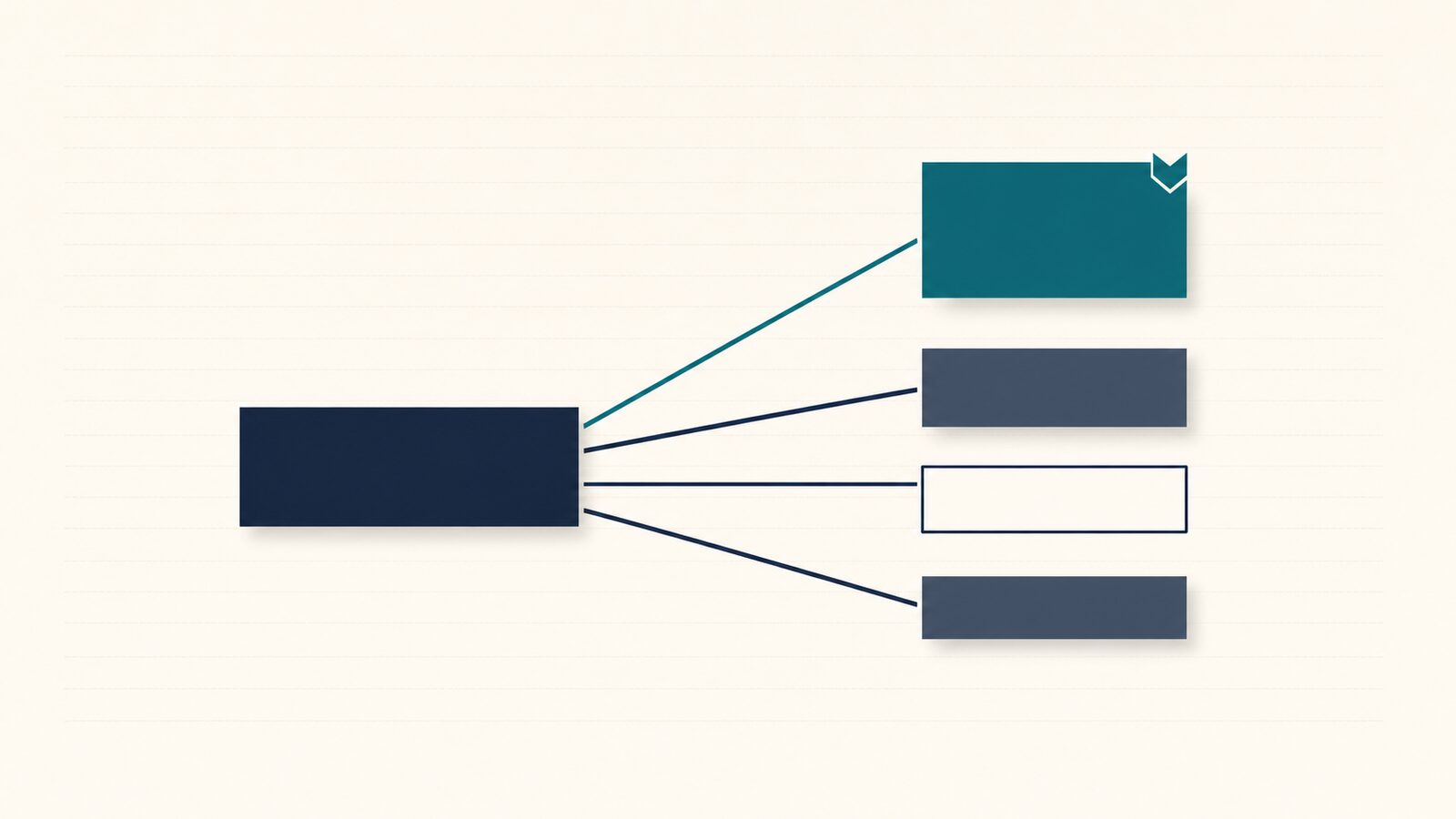
Procore gives you four ways to calculate the Forecast to Complete on each budget line: Automatic, Manual (or Itemized Manual), Lump Sum, and Monitored Resources. Pick wrong and the number carries none of your judgment, and the report finance builds on top of it is arithmetic instead of a forecast.
If you just need the entry steps, start with our step-by-step guide to updating cost to complete in Procore. This post is the next question: which method for which line, and what each does to the number that leaves the company.
What does Procore actually do when you leave a line on Automatic?
Automatic is Procore's default, and it is the trap. It sets the Forecast to Complete equal to your projected budget minus your projected costs, so no one types a figure and no one makes a call. The result is that Procore assumes you finish exactly on budget (a projected over/under of zero), and the job's total estimated cost gets pinned to it no matter what's happening on site (Procore support).
When every line stays on Automatic, your budget and your forecast are the same document. Finance can still work out how far along the job is, but it's measuring how much of the budget you've spent — not how much work is left. If a line is running over, Automatic hides it: the Forecast to Complete moves to cancel the variance out, so the margin can't move and the slip is invisible.
An all-Automatic WIP looks complete but contains no forecast.
That's Automatic versus Manual in one line: Automatic is arithmetic, Manual is a forecast. The moment you have a view on how a line will finish, leaving it on Automatic throws that view away.
Which Procore Forecast to Complete method should you use, and for which lines?
The method depends on the kind of cost line and whether you have a view on what it will take to finish. Use Manual or Itemized Manual for self-perform, cost-loaded work. Use Lump Sum for a fixed-price subcontract. Leave Monitored Resources for time- and rate-tracked labor lines — and never leave a line on Automatic if you have any opinion on how it will land.
| Line type | Recommended method | Why |
|---|---|---|
| Self-perform, cost-loaded (labor and materials you're actively forecasting) | Manual / Itemized Manual | Puts your judgment into the cost-at-completion number, line by line, so the rest of the math actually means something |
| Fixed-price subcontract (lump-sum sub scope) | Lump Sum | One number covers the whole line; no itemized breakdown to maintain that you don't have |
| T&M / resource-tracked labor line | Monitored Resources | Auto-drawdown matches the time-and-rate structure; suits a resource-loaded line that's kept current |
| Any line you have a view on | Not Automatic | Automatic pins the budget as your forecast and hides the slip — override it the moment you know more than "finish on budget" |
One caution the table doesn't show: Monitored Resources draws the forecast down automatically as time passes, so it drifts the moment the line stops being maintained. That's why most PMs skip it for a monthly estimate and reach for Manual or Lump Sum instead.
And one before you switch a method: if you've entered a manual forecast and someone later flips that line back to Automatic, Procore deletes the figures you entered (Procore support). We cover how that deletion works in the step-by-step guide to updating cost to complete. Treat the method as part of the number: changing it can erase the number.
What does your method choice do to the number finance sees?
Your method choice starts a chain that ends at the report finance sends outside the company. Here it is, one step at a time:
- Your method sets the Forecast to Complete: what's left to spend on the line.
- Forecast to Complete sets the Estimated Cost at Completion (EAC): what the job will cost in total, start to finish (Procore support). Here's the difference between the total cost and what's left to spend.
- EAC sets percent complete: how far along the job is in money terms, costs to date divided by the total estimated cost. That's the formula finance uses to turn your forecast into a percent-complete.
- Percent complete sets earned revenue: how much of the contract value the company can book this period.
- Earned revenue sets the over/under-billing position: whether you've billed ahead of or behind the work.
- That position lands on the WIP schedule: the monthly report the bank and bonding company read to decide how much new work the company can take on.
It all rests on the one number that's yours. For the plain-English version of what cost to complete really means on your job, start there — you don't need the downstream math to do your part well.
Here's the same line, two ways. Take one budget line within Meridian Construction Group's Harbor Point Tower job: the concrete slab. The budgeted cost for the slab line is $200,000, the contract value for that scope is $250,000, and $120,000 in cost has hit the line so far.
| Scenario | FTC method | Forecast to Complete | Total estimated cost | Costs to date | Percent complete | Earned revenue this month |
|---|---|---|---|---|---|---|
| Default | Automatic | $80,000 (auto) | $200,000 (pinned to budget) | $120,000 | 60% | $150,000 |
| Override | Manual | $120,000 (PM's call) | $240,000 | $120,000 | 50% | $125,000 |
The PM knows there's about $120,000 left, not $80,000. Leaving the line on Automatic makes the slab look 60% done and on budget. The real number shows it's 50% done and $40,000 over budget, and finance can count $25,000 less as earned this month, on one line alone. Now run that across a 15-job portfolio.
What does finance need from your method choice?
Finance can only build the WIP on the numbers you hand it. If every line sits on Automatic, the schedule reports budget spending instead of where the work is actually heading, so the picture looks healthier than the jobs are, and the gap only surfaces later, when it's harder to explain. Picking a real method on the lines you have a view on is what gives finance a forecast to work from, not just a budget played back.
Procore's Automatic calculation isn't a forecast at all; it's budget arithmetic, and a real forecast needs a PM override. An all-Automatic portfolio turns the WIP schedule into a lagging record of budget spending instead of a current read on where the jobs are headed.
The WIP schedule isn't something Procore hands you, either. Ask Procore's own community where to find a work-in-progress report and the answer is to build it yourself with custom calculated columns (Procore Community). Procore gives finance the ingredients (contract value, costs, billings, and your Forecast to Complete), but the assembled schedule is built somewhere else. If you're weighing it up, here's whether Procore can generate a WIP report on its own.
What if there were a faster way to give finance a real forecast without touching the Budget tool?
You don't need anything beyond Procore to pick the right method and enter a real number. But the routine asks for a Budget-tool seat, the right method, and a note that's easy to skip — every job, every month.
WIP Ready handles the capture instead. It emails each PM a one-screen form (no login, no extra Procore seat, under two minutes from a phone) that asks one question per job, like how much more to finish Harbor Point Tower, with a box for a note. Your forecast comes in with your name and the date on it, and your note travels with it, so a quick estimate can't be used against you later without the reasoning that went with it. WIP Ready never calculates the number; the number stays yours. It just routes it, with a paper trail, onto the WIP schedule finance sends to the bank and bonding company. If you field that monthly request, see how the check-in works at wipready.com.